Tips on Captcha Scams
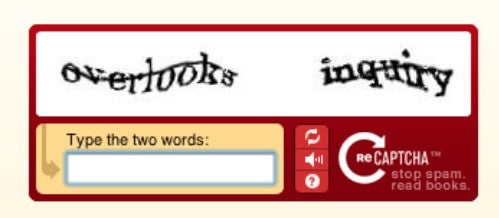
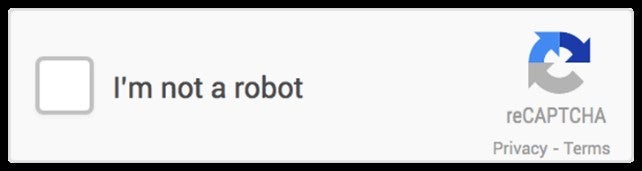
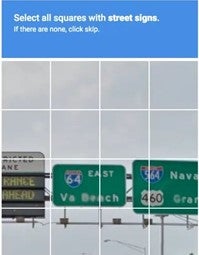
A CAPTCHA Scam is when someone creates a fake reCAPTCHA or “I’m not a robot” tests to make you think the website is legitimate. They will use it to gain your trust and trick you into installing malware or giving out personal information. Check out the following information on tips to avoid becoming a victim.
- A common type of fake CAPTCHA scam appears on websites where it asks you to verify you are human. Instead of the usual checkbox or image selection, it may direct you to copy and paste text, run a command, or download something.
- Legitimate CAPTCHA tests will never ask you to run commands, paste text into your computer or download files. If you feel a CAPTCHA is giving you unusual instructions, close that page immediately.
- Never follow instructions that ask you to use keyboard shortcuts, run commands, or install software from an unknown website. These are common schemes used to infect your devices.
- The main goal of these scams is to gain access to your personal information, passwords or financial accounts. They may do this by installing this malware that tracks your activity and steals your data without you knowing.
- Don’t trust every website you visit. Scammers will create elaborate pages that look real, including fake security checks. Always check the website’s address for misspellings or unusual domains as these are signs of a fake website.
- Stay cautious of pop-ups or redirects that ask you to complete a CAPTCHA. If it appears unexpectedly, it may be part of a scam.
- If you’re worried a site is blocked, don’t click additional links on the screen. Type the web address directly into the browser.
- Always use Multi-Factor Authentication (MFA). MFA acts as a second barrier if someone steals your password.
- If you think you may have followed the keyboard prompts, disconnect from the internet, run a security or antivirus scan, change your passwords on a trusted device, and check your bank statements for any fraudulent charges.
- Remember, real CAPTCHAs should be simple. If it’s asking you to do more than click a box or select images, it’s likely a scam.