
Desktop eCalendar
eCalendar Photo Contest
Thank you to those employees who submitted photos to the eCalendar Photo Contest March 3 to April 3. Winners will be announced on the last Wednesday of the month in the Weekly Digest email beginning in June.
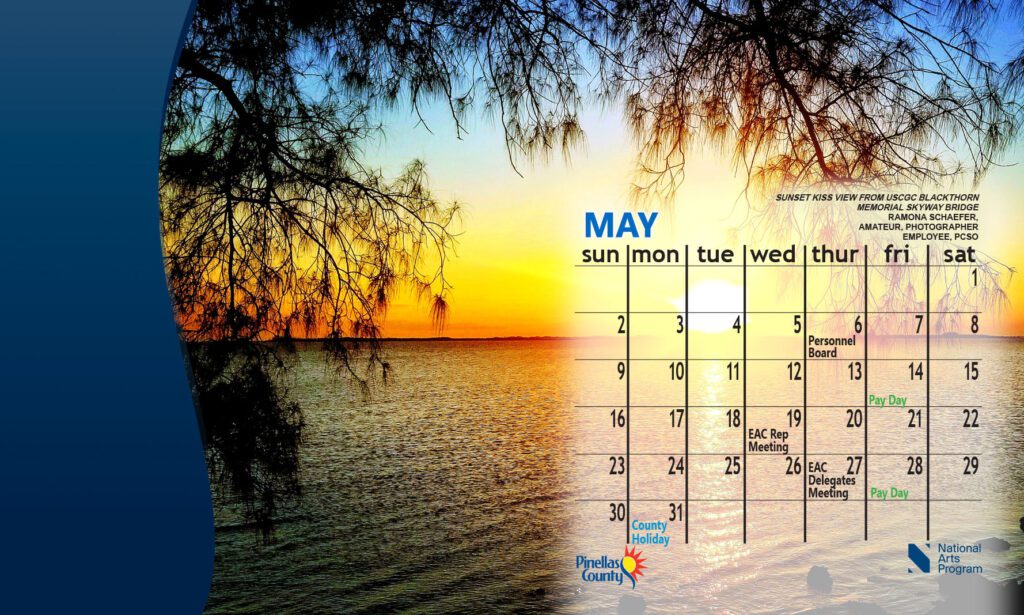
Every month, we post two images that you can choose from to update your desktop wallpaper calendar. The images are photos taken by an employee whose name is noted at the top right of the calendar. We request photo submissions during the eCalendar Photo Contest. Previously we used Colors of Pinellas Art Show entries submitted by employees, retirees, volunteers, and their family members.
- To update your desktop wallpaper, click on the image you would like to use, right click on the image and select Set as Background.
- If you don’t have the option to Set as Background, then select Save Image As and save it to your desktop. Go to your desktop, right click on the photo, and select Set as Desktop Background.
4/6/26